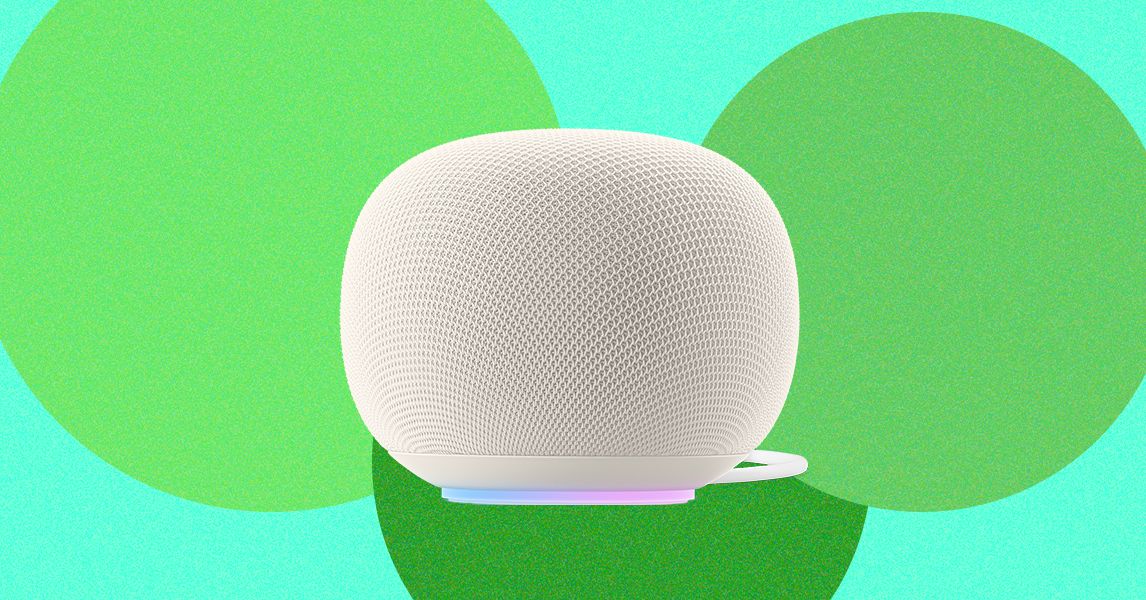
If you had to estimate how much data your smart speaker was using over the course of a couple of weeks, would you guess three terabytes? That’s what one Google Home Speaker user discovered when he checked his home Wi-Fi’s usage, according to Reddit posts reported on by 9to5Google. The Google Gemini-powered smart speakers have apparently been downloading huge amounts of data to the device over the past two weeks, which could put a serious damper on your Wi-Fi network.
While it isn’t happening to everyone, after checking my own home internet usage, I found out that I have been experiencing the same issue. My Google Home Speaker has used 487 GB of data in the last ten days, using almost as much as the entire rest of my home between August and September.
Google confirmed this bug has only affected some devices, and that they’ve rolled out a solution. A spokesperson from Google told WIRED: “A server misconfiguration caused some Google Home Speakers to repeatedly download a software update. This issue has now been resolved.”

Courtesy of Google
Looking into this issue made me go beyond just Google’s usage, though. My husband and I started reviewing the data usage for all of the individual devices that our router could identify and found some surprising numbers. The weirdest highlight was that Amazon was listed as using 22 GB in the last week with only the Ring smoke detector set up in my house, which was similar to the use of one of the smartphones in my house. There’s also a mysterious device just labeled “WATCH” that used about 21 GB in the last week, but no one in my home has a smart watch that’s been on in the last year. A mystery for me to solve another day.
If you’ve noticed your home Wi-Fi bandwidth isn’t what it used to be, it could be because one of your smart home devices (or possibly something else entirely). Here’s how to check your router or Wi-Fi provider for what device could be at fault.
How to Check Your Device Usage

Courtesy of Amazon
You have a couple of different options for checking how much data a smart home device has been using. Some routers provide detailed information about where all your data is going, for starters. I have an Eero mesh system for my house, but we don’t pay for its subscription fee to access detailed information—so it’s fairly limited. The free version of the app still lists all the connected devices in my home, but it doesn’t tell me how much data each uses.